
Microsoft Teams is one of the top IT tools for organizations, companies, and firms. It’s an advanced team messaging, video conferencing, meeting, and collaborative platform.
Not only does it help teams stay connected, but it also offers business owners a cross-platform collaboration solution. Business owners and employees enjoy features such as instant messaging, video conferencing, and document sharing under the platform easing workplace communications.
However, for Linux users, the Microsoft Teams app has its drawbacks which can be problematic. If that also sounds like you, our next section looks at the best Microsoft Teams alternatives for Linux.
The alternatives are plenty, with loads of them being open source, so we hope you will find a perfect match. Here are the best Microsoft Teams alternatives for Linux users out there.
1. Mattermost – Collaboration for Developers
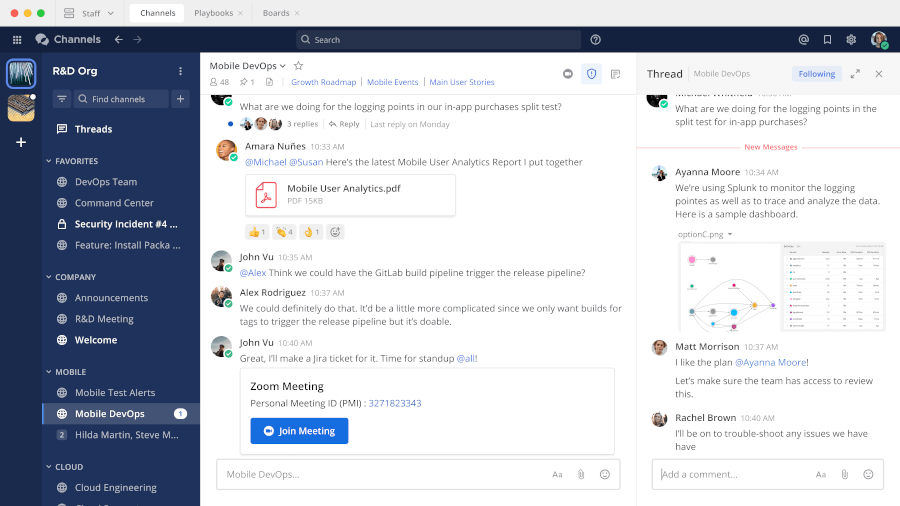
Mattermost is one of the best Microsoft Teams alternatives and is ideal for anyone wanting greater privacy through a self-hosting platform. Each user can establish a self-hostable online chat service with features such as file sharing, message history search, and third-party app integration.
Mattermost also acts as an open-source internal chat app built for developers with the ability to integrate with multiple DevOps tools and workflow as a bonus.
Key Features:
- The user-friendly interface makes Mattermost easy to deploy and manage.
- Slack compatibility allows users to import, export, and customize depending on their preferences.
- Cross-platform availability with both mobile and desktop apps with multiple language support.
- Prebuilt plugins from Jenkins, GitLab, and Jira.
- Basic productivity features for coders and developers.
- Integrates with DevOps tools.
- Next-level customization with plugins, add-ons, plus extensions available.
- Free to self-host, with paid plans starting at $9/user/month.
2. Rocket.Chat – Team Communications Platform
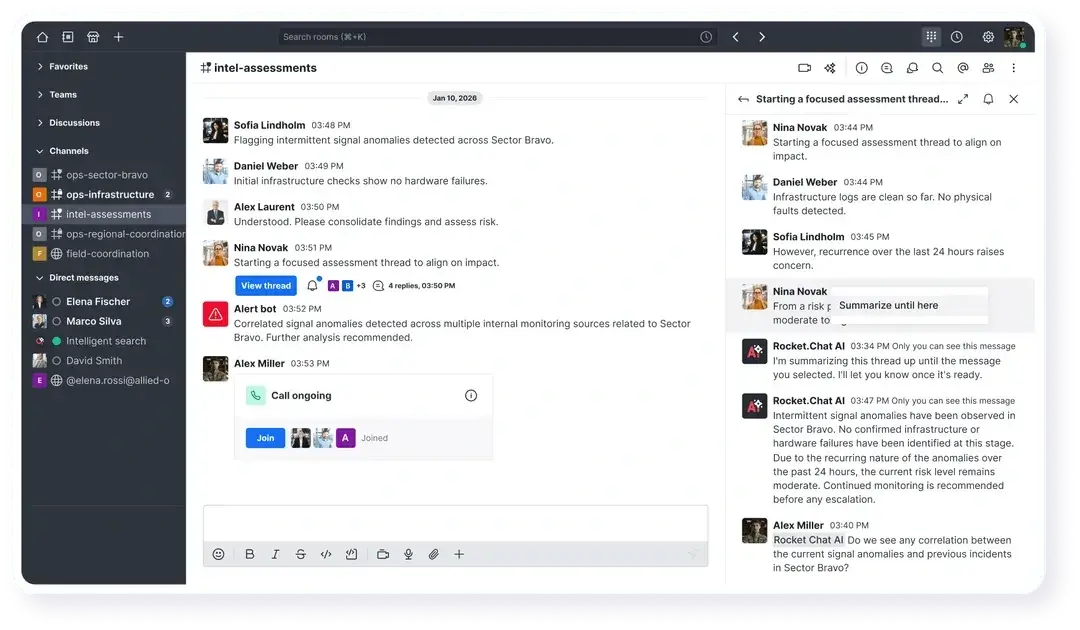
Like most other apps on the list, Rocket.Chat is also an open-source alternative to Microsoft Teams with similar collaboration features. For starters, Rocket.Chat runs multi-based user options with self-and cloud-based hosting provided by the application.
The similarities include features like the @mentions with one-on-one direct messaging for responsive engagement. However Rocket.Chat strength comes from its affordability and customization. You can also replace or connect existing social media platforms through the omnichannel feature. Free to self-host, with paid plans starting from $9/month per user.
Key Features:
- Direct messaging capabilities between multiple users.
- High level of security with a two-step verification process for particular tasks or actions.
- Supports advanced video conferencing with screen sharing.
- Use of mention for teams, individuals, and announcements.
- An engagement dashboard for analyzing user participation.
- The sort option allows searching conversations using alphabetical order or last activity.
- MS Translate helps translate team messages and chats, allowing cross-language collaboration.
3. Element – Secure Collaboration and Messaging App
Element is an advanced secure collaboration and team messaging app based on the Matrix platform, which helps teams collaborate through instant messaging, video, voice calls, and seamless file sharing.
Being Matrix-based, Element is decentralized to deliver digital sovereignty and enable deployment of on-premise hosting rather than other cloud providers.
In short, the Matrix structure also lets you bridge directly into Slack and Microsoft Teams channels from the same interface, which is useful during a transition.
Key Features:
- Decentralized structure based on Matrix.
- Free end-to-end encrypted voice and video messaging.
- Support for cloud and on-premise hosting.
- Bridging to Slack, Microsoft Teams, and other platforms.
- Allows for VoIP (Voice over Internet Protocol) calls through the internet.
- Free and open source, with enterprise plans available.

4. Zulip – Organized Team Chat for Distributed Teams
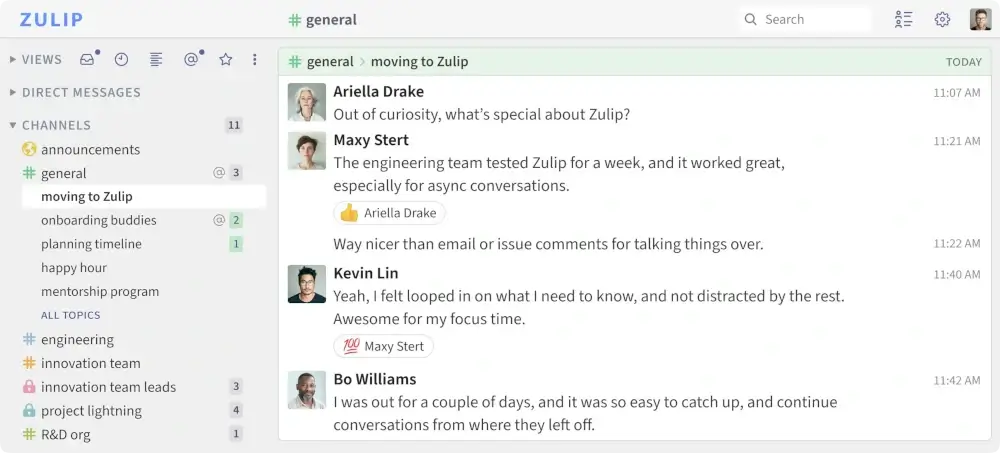
Zulip is a powerful open-source team chat tool that solves something most platforms get wrong: async communication in large teams. Instead of flat channels, every conversation is organized into topics within a stream, so you can follow exactly the threads that matter and ignore everything else.
It’s widely used in open-source communities and research organizations, and just shipped a new version with AI-powered conversation search, n8n integration, and self-hosted video call support via Jitsi and Nextcloud Talk. Free to self-host, with cloud plans starting at $6.67/user/month.
Key Features:
- Topic-based threading inside streams keeps conversations organized.
- AI-powered search across your full conversation history.
- Self-hosted or cloud deployment options.
- Integrates with GitHub, GitLab, Jira, and n8n.
- Native Linux desktop app available.
- Cross-platform support with mobile and web apps.
5. Jami – Peer-to-Peer Audio and Video Conferencing Platform
Jami (Previously known as GNU Ring or SFLphone) is another decentralized open-source option that runs entirely peer-to-peer with no central server involved.
The open-source application lets Linux users enjoy a fully free solution with features such as solid end-to-end encryption, unlimited sharing, and multi-platform and multilingual support.
Jami also supports optional SIP client accounts so you can make and receive VoIP calls over the internet. Because there’s no server in the middle, your calls and messages never pass through a third party.
Key Features:
- Fully decentralized peer-to-peer architecture.
- Advanced video conferencing with screen sharing.
- End-to-end encryption for voice calls, video conferencing, and file sharing.
- Multi-platform app with multiple language support.
- Optional SIP accounts for VoIP calls.
- Completely free and open source.

6. Nextcloud Talk – Self-Hosted Video Conferencing
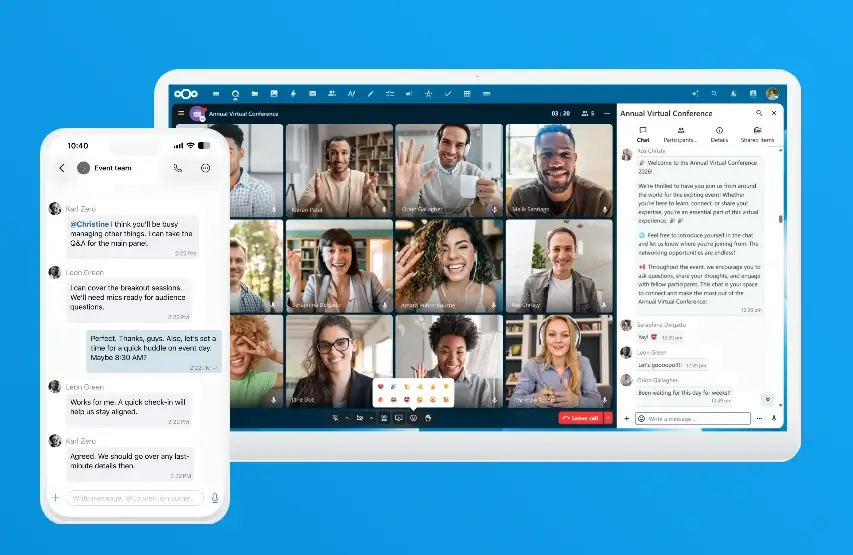
Nextcloud Talk is a video conferencing and team messaging app built directly into the Nextcloud platform. If you’re already running Nextcloud for file sync and collaboration on your Linux server, you get a full video calling and chat layer at no extra cost.
Everything runs on your own server with no external dependencies, which means no data leaves your infrastructure. It’s the strongest fully self-hosted option on this list for teams where data residency is a hard requirement.
Key Features:
- Built into Nextcloud, no separate installation needed.
- Fully self-hosted with no data leaving your server.
- Group video calls, screen sharing, and end-to-end encrypted messaging.
- Works in the browser, no dedicated client required.
- Integrates with Nextcloud Files, Calendar, and Contacts.
- Free and open source.
7. Google Meet – Online Video Calls, Meetings, and Conferencing
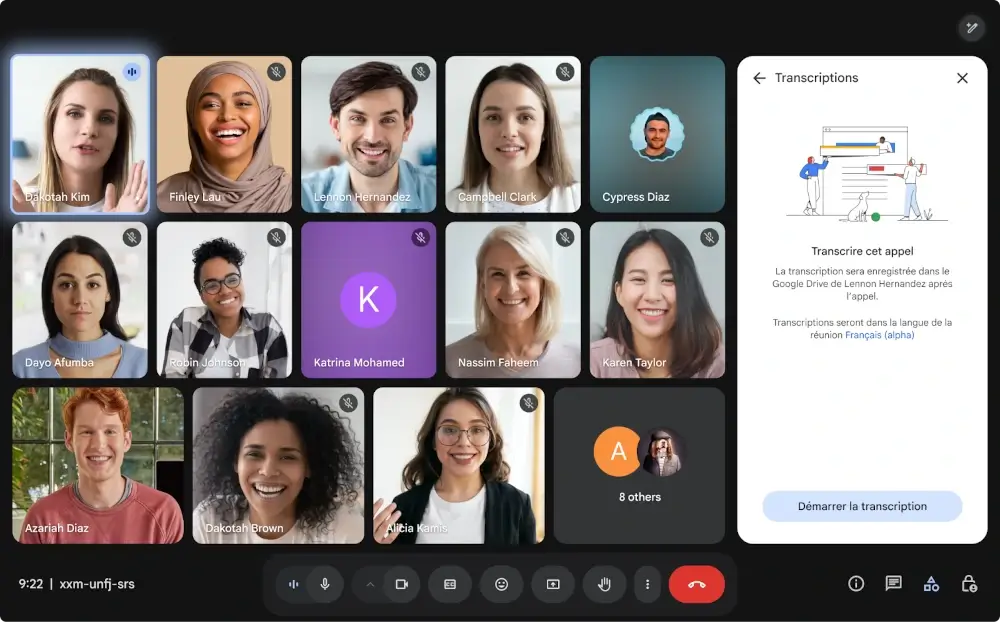
Google Meet is a video conferencing tool that gives you direct entry to meetings via email or calendar invite. It works entirely in the browser on Linux with no client required, and if your team is already on Google Workspace, it’s already included in your plan.
Key Features:
- Free video conferencing for meetings with up to 100 participants.
- Screen sharing of documents, pictures, and videos.
- Meeting hosts can remove or mute participants.
- Automated live captions powered by Google’s speech recognition.
- Up to 60 minutes per meeting at no charge.
- AI-powered conversation summaries added in 2025.
- Join meetings directly from Gmail.
8. Brosix – Secure Instant Messaging App
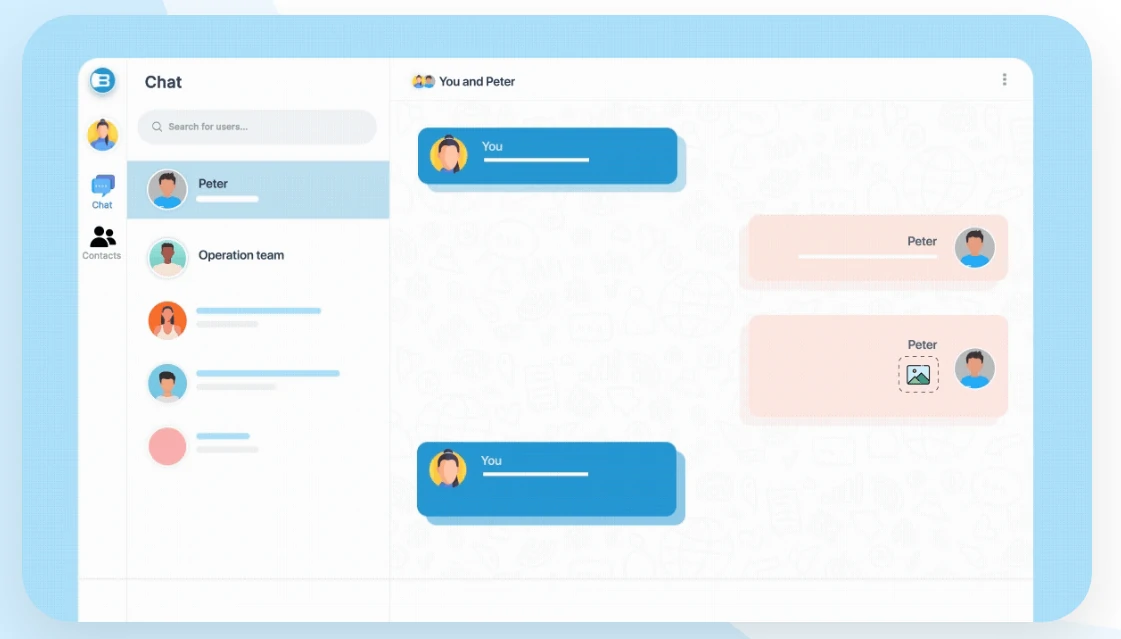
Brosix gives teams a fully private, admin-controlled communication network with encrypted messaging, file transfers, voice and video calls, screen sharing, and a whiteboard. It’s been running since 2006 and just celebrated its 20th anniversary in 2026, with audio and video calls now added to the iOS and Android apps.
The admin control panel lets you manage user permissions, chat history retention, and activity logs from one place, which is why teams in security-sensitive industries tend to favor it.
Key Features:
- Encrypted file sharing, screen sharing, and audio and video calls.
- Monthly activity log archives are downloadable from the control panel.
- Multiple administrators per network.
- New mobile audio and video calling added in 2025.
- New pricing plans introduced in 2026 aligned with real team sizes.
9. Zoom – Video Conferencing Platform
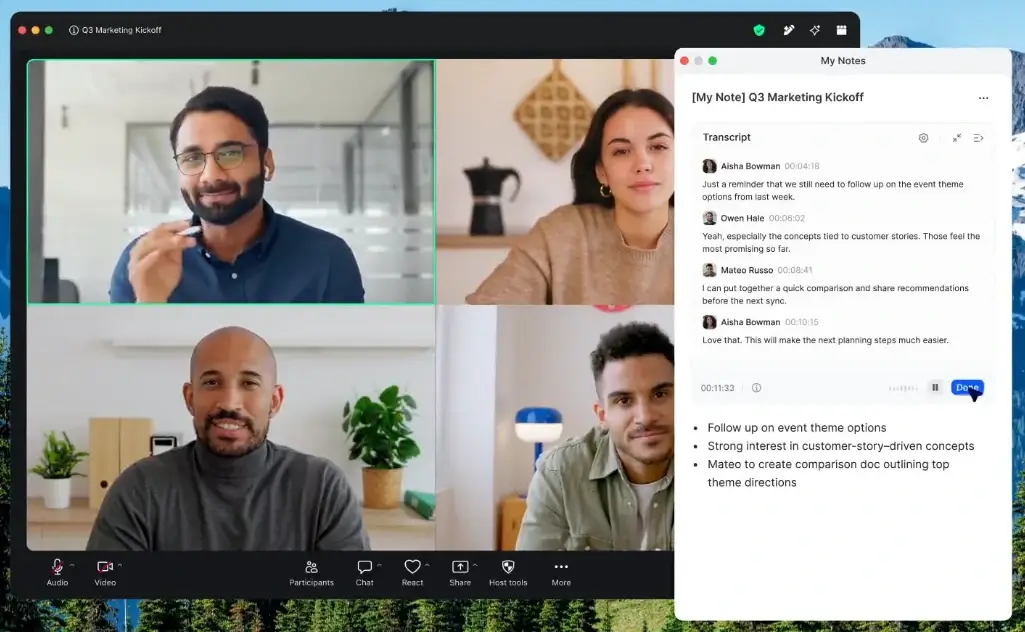
Zoom remains one of the most popular virtual meeting applications for good reason. It has a native Linux client that actually works, which already puts it ahead of Teams. Setting up a video call takes a click of a few buttons, and the audio and video quality is the most consistent of any tool on this list.
Zoom also offers advanced app integration with more than 1,000 programs, making it ideal for multi-platform teams where participants are on different operating systems.
Key Features:
- Native Linux desktop client available.
- Record and save meetings for later review.
- Instant messaging and video conferencing.
- Free plan with 40-minute group call limit.
- Connects with over 1,000 apps.
- Virtual backgrounds and a whiteboard for team collaboration.
- Paid plans start at $14.99/user/month.
10. Pumble – Free Chat & Collaboration App
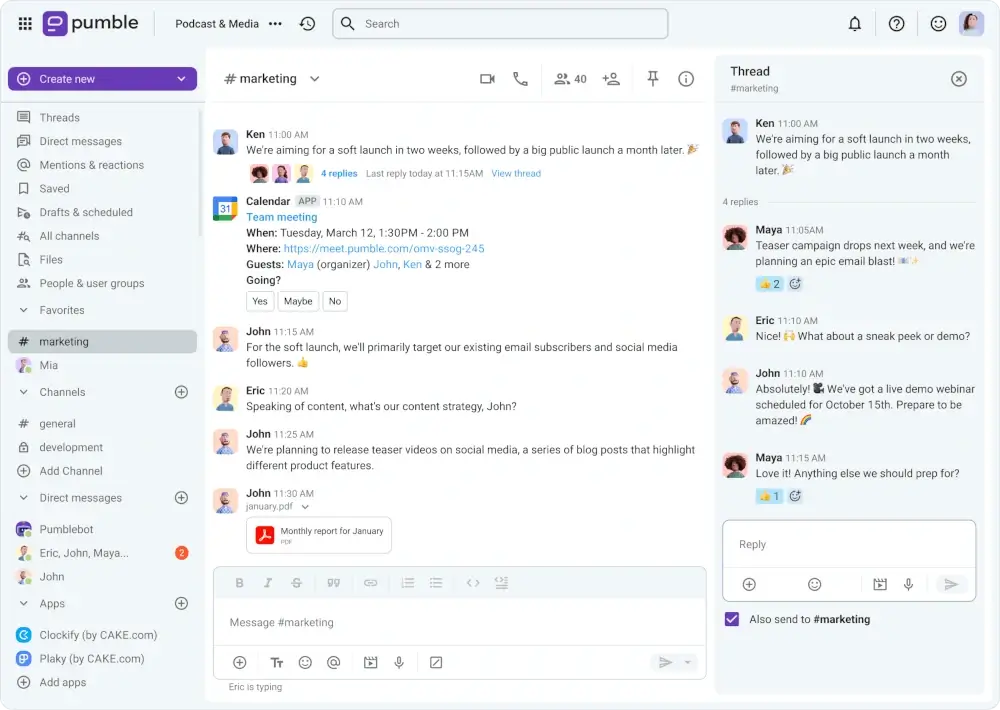
Pumble is a Slack-style collaboration tool that offers unlimited users and full message history on its free plan, which is rare. It works in the browser and has desktop and mobile apps for Linux, Windows, Mac, Android, and iOS.
The interface will feel immediately familiar if you’ve used Slack, and paid plans start at just $2.49/user/month for group video calls and screen sharing, undercutting most tools on this list significantly.
Key Features:
- Free plan with unlimited users and full message history.
- Available on Linux, Windows, Mac, Android, iOS, and Web.
- Guest access for clients or third parties with limited workspace access.
- 10GB storage per user on the free plan, unlimited on paid.
- Group video calls and screen sharing on paid plans from $2.49/user/month.
11. Chanty – Team Communication and Collaboration
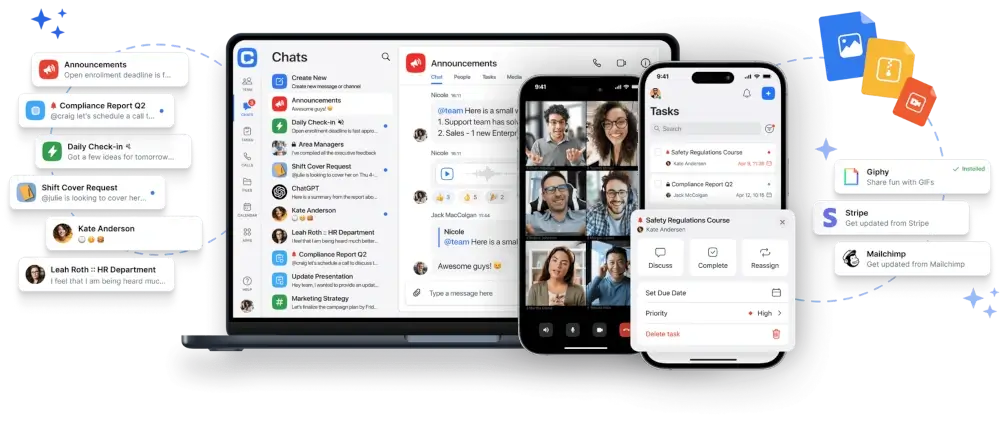
Chanty is a solid collaboration tool that combines team chat with task management on a Kanban board in one interface. You get a complete and searchable message history, audio messages, and audio calls on the free plan. Group video calls are available on the paid plan at $4/user/month.
Key Features:
- It has efficient search options when you want to retrieve any relevant information.
- You can customize notifications.
- One can have task management using the Kanban board.
- It has a complete message history and a searchable chat.
- It offers audio messages with privacy and sharing features.
12. Discord – Talk, Chat, and Hang Out
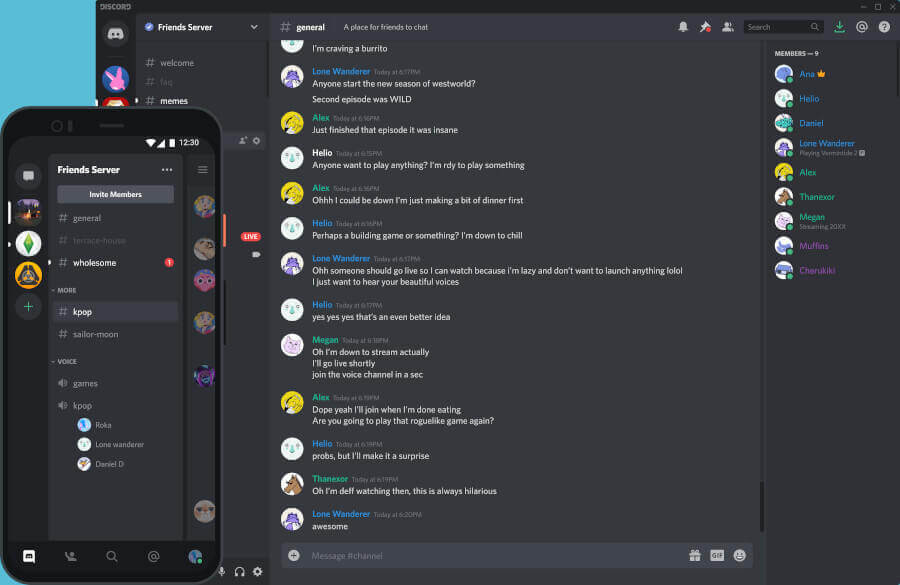
Discord started as a gaming platform but has grown into a legitimate team communication tool that many developer communities and open-source projects now use as their primary chat platform.
The free tier includes unlimited users, unlimited message history, always-on voice channels, and screen sharing with no time limits.
Key Features:
- Native Linux desktop client available.
- Create both public and private spaces.
- Sync data across multiple devices.
- Organize roles and permissions per channel.
- Supports video calls, text, and voice channels.
- Completely free with no message history limits.
13. Slack – Instant Messaging Program
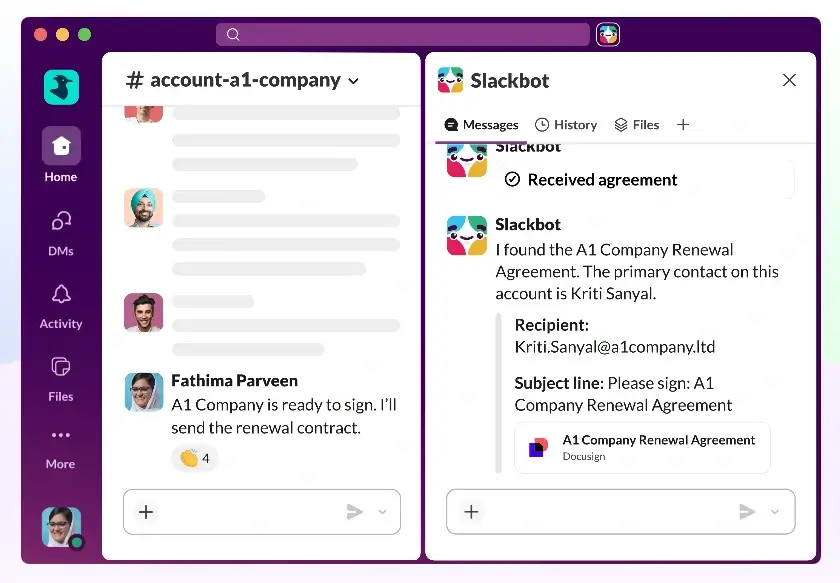
Slack offers a polished chat-focused interface with video calling and file sharing. It also gives reminders and monitors activities via different channels, and its integration ecosystem is the largest of any tool on this list, covering GitHub, Jira, Figma, and hundreds more.
Key Features:
- Native Linux desktop client available.
- Slack posts support formatted documents with file sharing and editing.
- Customize your theme, including sidebar colors.
- Slackbot reminders for tasks and follow-ups.
- Free plan with 90 days of message history and 10 integrations.
- Paid plans from $8.75/user/month.
14. Spike – Collaborative Email Platform
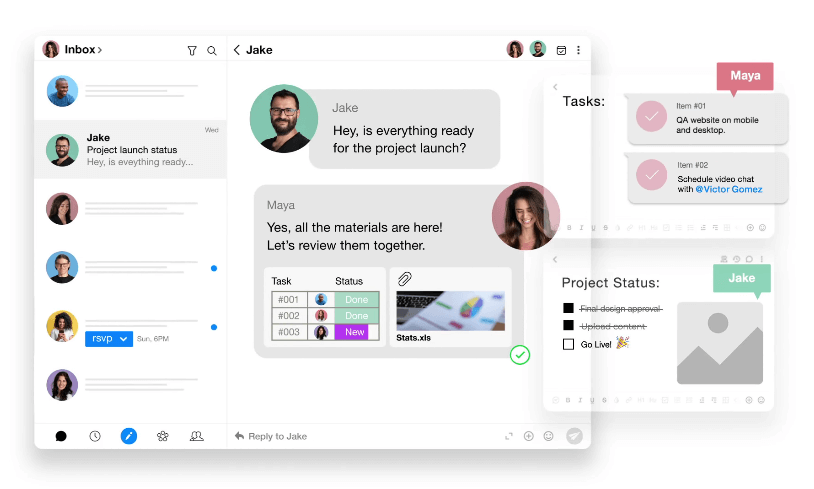
Spike is an email app that reimagines your inbox as a chat-style interface so conversations thread like messages instead of long email chains. It works with your existing Gmail, Outlook, or iCloud account with no new account required.
In 2026, it added AI tools that summarize long threads, suggest replies, and prioritize your inbox automatically. Built-in video meetings, calendar, and notes are all included in one place.
Key Features:
- Turns your existing email into a conversational chat interface.
- Works with Gmail, Outlook, iCloud, and more.
- AI-powered thread summaries and reply suggestions.
- Built-in video chat, conferencing, and audio calls.
- Screen sharing and chat history retrieval.
- Available on Linux via the web app.
15. Cisco Webex
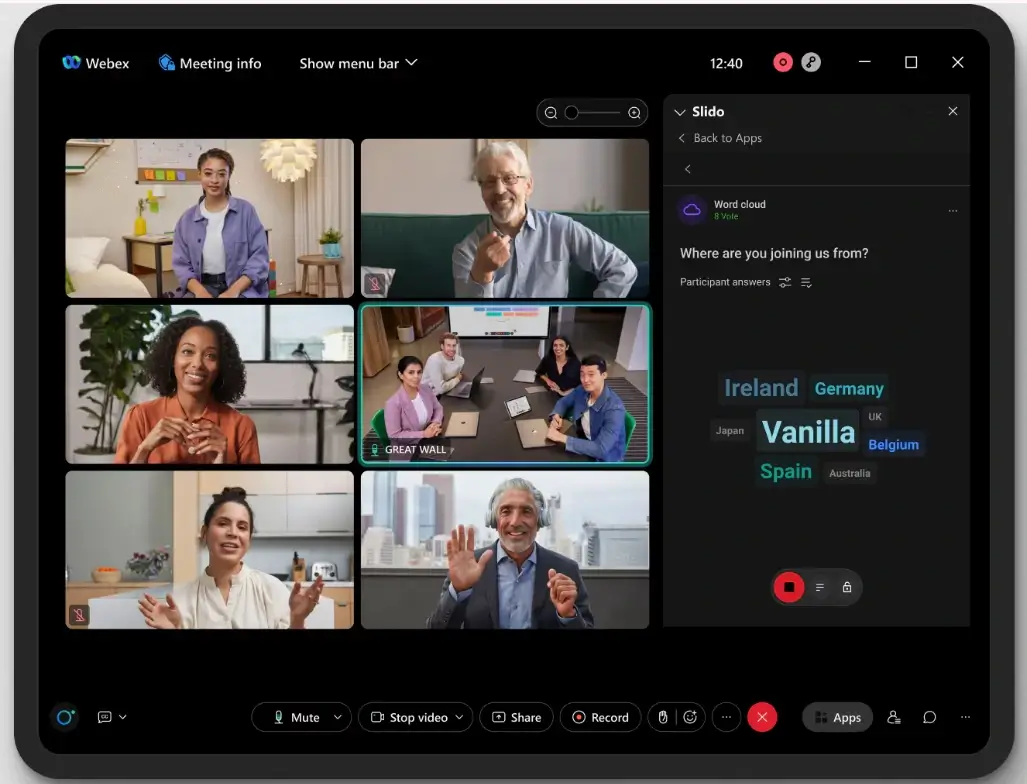
Cisco Webex is a real-time video and audio conference call application that is multi-functional and easy to use. Webex offers file sharing, video meetings, whiteboarding, and calling, and it generates meeting transcripts immediately after a call ends.
Key Features:
- Video calls of up to 1,000 participants.
- Meeting recording with instant transcripts.
- Whiteboard for team brainstorming.
- Free screen and file sharing.
- Integrates with Google and Microsoft calendars.
- Available on Linux via the browser.
16. ClickUp – Productivity Platform
ClickUp is a team communication and project management tool that keeps conversations and tasks in the same place. The built-in Chat view lets you have work-related or casual conversations that are easily retrievable, and the screen recording feature lets you show team members exactly what you mean without a separate call.
Key Features:
- Chat view for work-related and casual team conversations.
- Comment section with assign, reply, and remind-me options.
- Screen recording to show team members your point of reference.
- Zoom and Slack integration built in.
- Available on Linux via web app and desktop client.
- Free plan available, paid plans from $7/user/month.

Conclusion
While there are many other tools that can be used as alternatives to Microsoft Teams, we’ve covered the most popular and actively maintained ones that work on Linux in 2026.
The open-source options like Mattermost, Rocket.Chat, Element, Zulip, Nextcloud Talk, and Jitsi Meet give you full control over your data, which is a meaningful advantage over cloud-only platforms.
New tools will keep coming, but the ones on this list are your best bet right now, whether you need a self-hosted solution, a free cloud option, or something enterprise-grade that runs natively on Linux.
Did we miss any good Microsoft Teams alternatives that you think should have made it to the list? Please share them in the comments below.


